Industry4
SkyGlazing · From office to shop floor
Design.
Prepare.
Produce.
From the first design to machining, workstations and a view of the entire factory.
It all starts with SkyGlazingAllivaro Machining Studio · 3D viewExplore product
Visual hardware · PreviewExplore product
Arched design · Application screenExplore product
From design to production
Design
Quoting
Cutting
Production
SkyGlazing
Everything begins with the design.
Menus, quotation, position and materials — the complete application workspace.
SkyGlazingFull application interface
The core application
SkyGlazing
Everything starts with a good design. From selecting profile systems and hardware to materials, pricing and customer documents.
- Window and door design
- Materials, costs and sales pricing
- Quotations, reports, cutting and stock
From design to a finished quote.
Actual document generated in Word.
Beyond the quote
Production &
machining centres
Prepare machining, label the output, track shop-floor work and monitor machines.
Shop-floor organisation
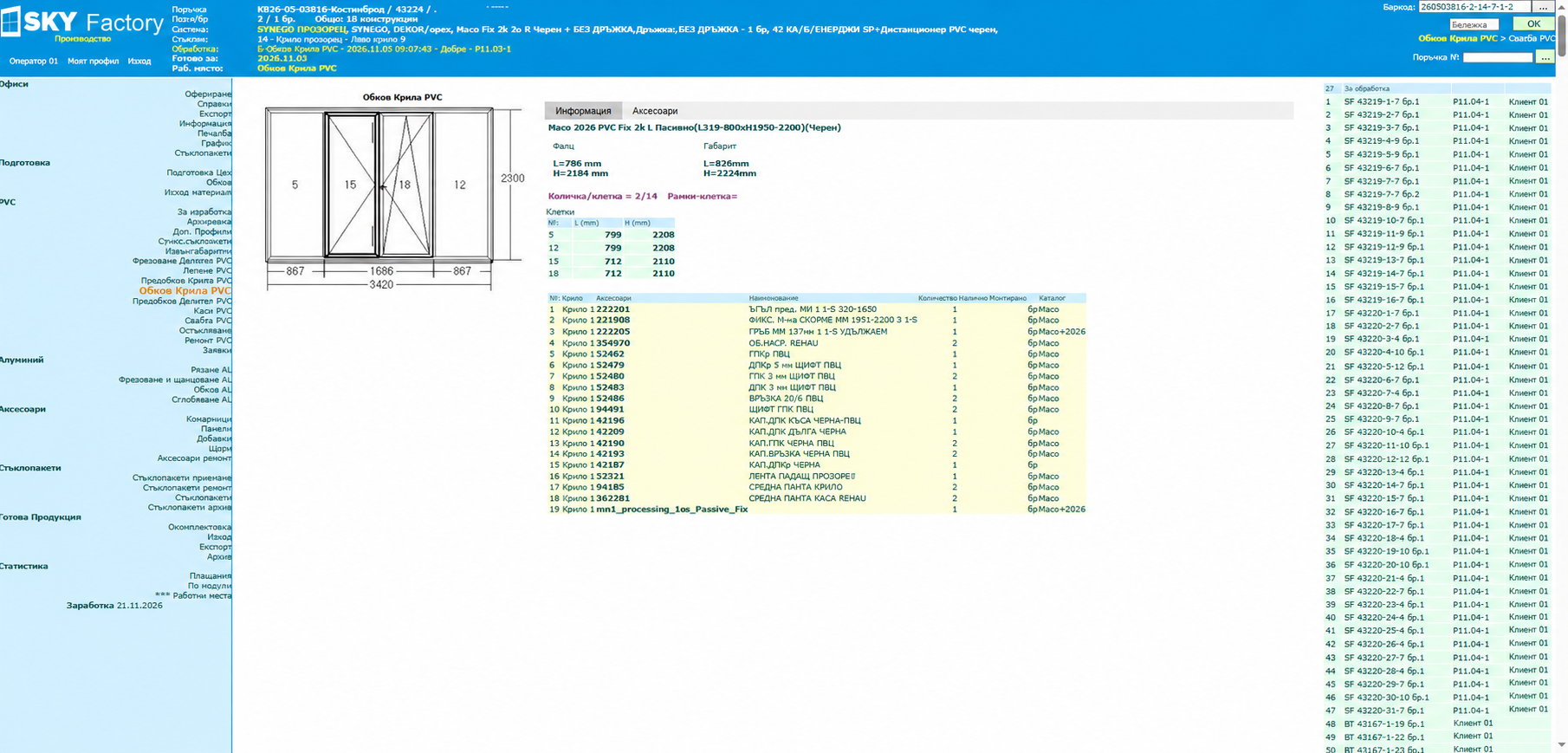
SkyFactory
Track workstations, record completed operations and follow the progress of production orders.
Explore product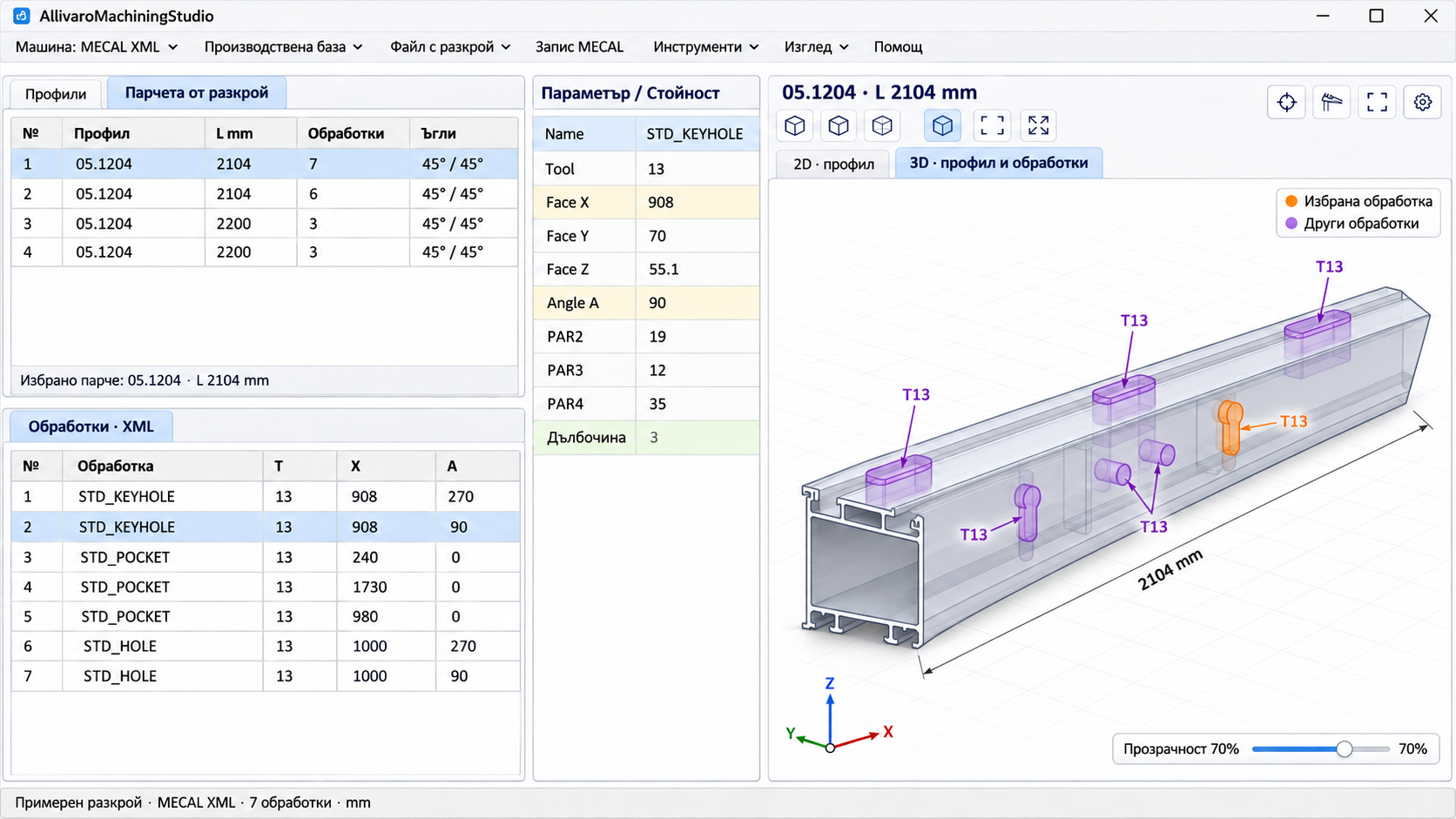
Machine preparation
Allivaro Machining Studio
Prepare, view and edit profile machining operations. Software for integration with production machinery.
Explore product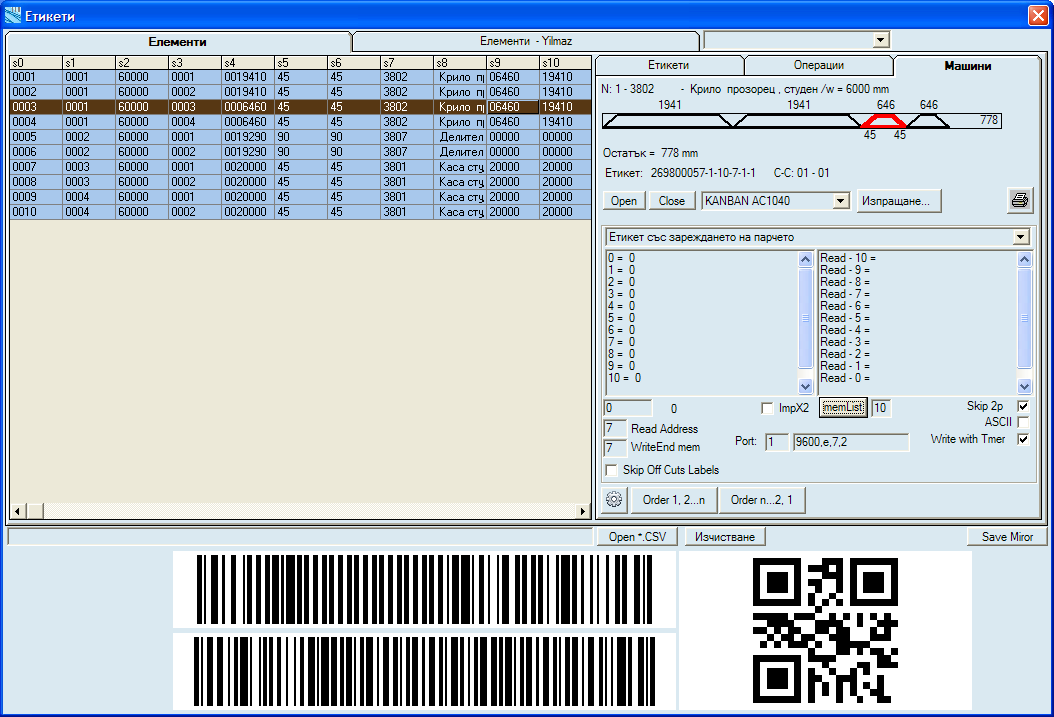
Labelling & cutting
SkyBarcode13
Production labelling, barcode and QR label printing, and communication with supported double-head saws.
Explore product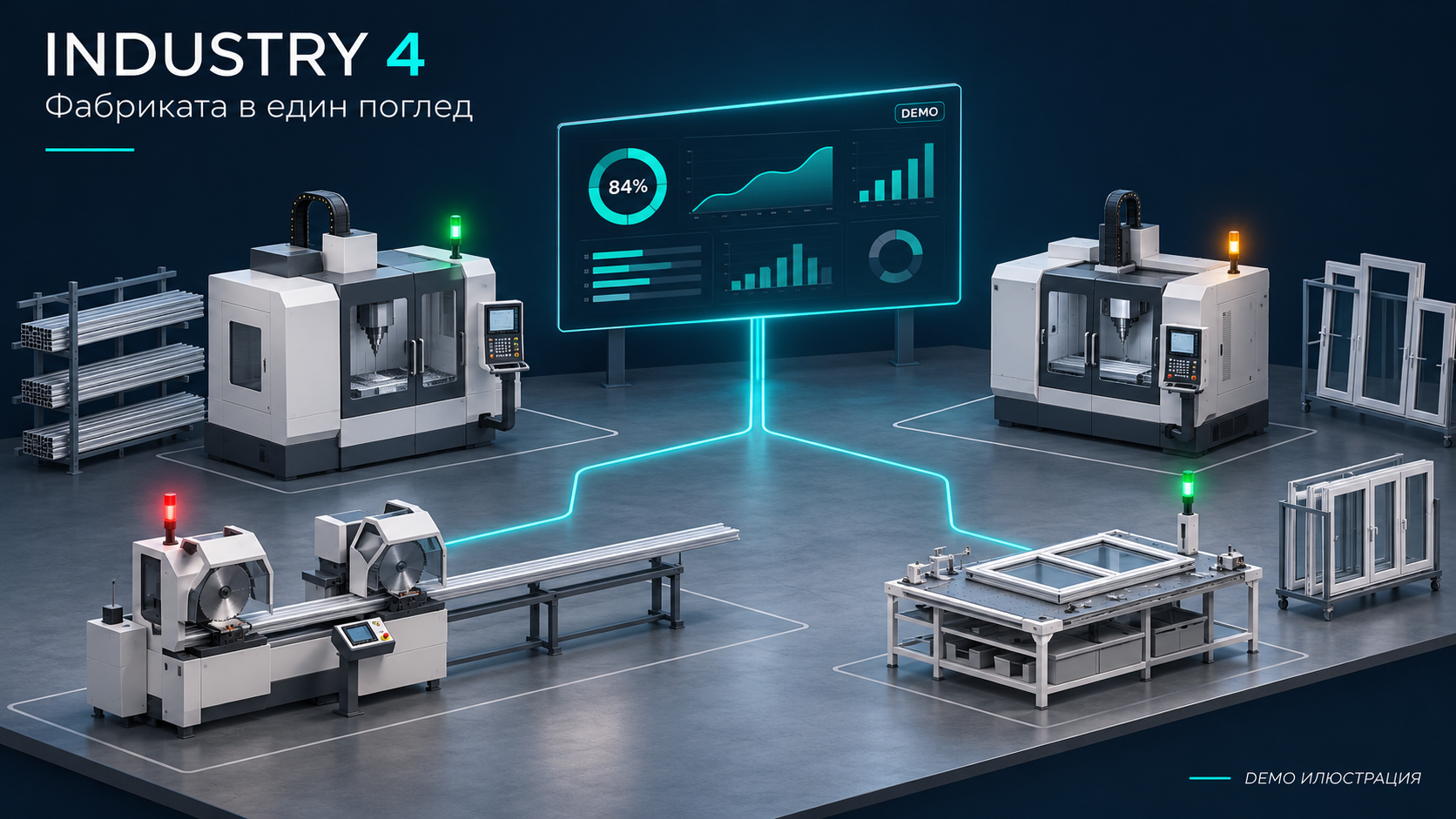
Machine monitoring
Industry4
An isometric shop-floor overview, machine states, alarms and production analytics in one web interface.
Explore productSkyFactory
Information, right where
the work happens.
Drawings, materials and workstation tasks, together on one screen.
Screens with anonymised personal and customer company names.
Downloads & support
Installations, updates and assistance for your working environment.
Go to downloadsLet’s organise your workflow.
Tell us about your profile systems, machines and shop-floor organisation.
SkyGlazing
See the application in action.
Actual screens, steps and results. Play a video and use full screen to see the details.